Free tier, no account, nothing readable on a server
Is this a good window to go?
Every other weather app answers what’s it like here? Viltri answers the question you actually have before a trip.
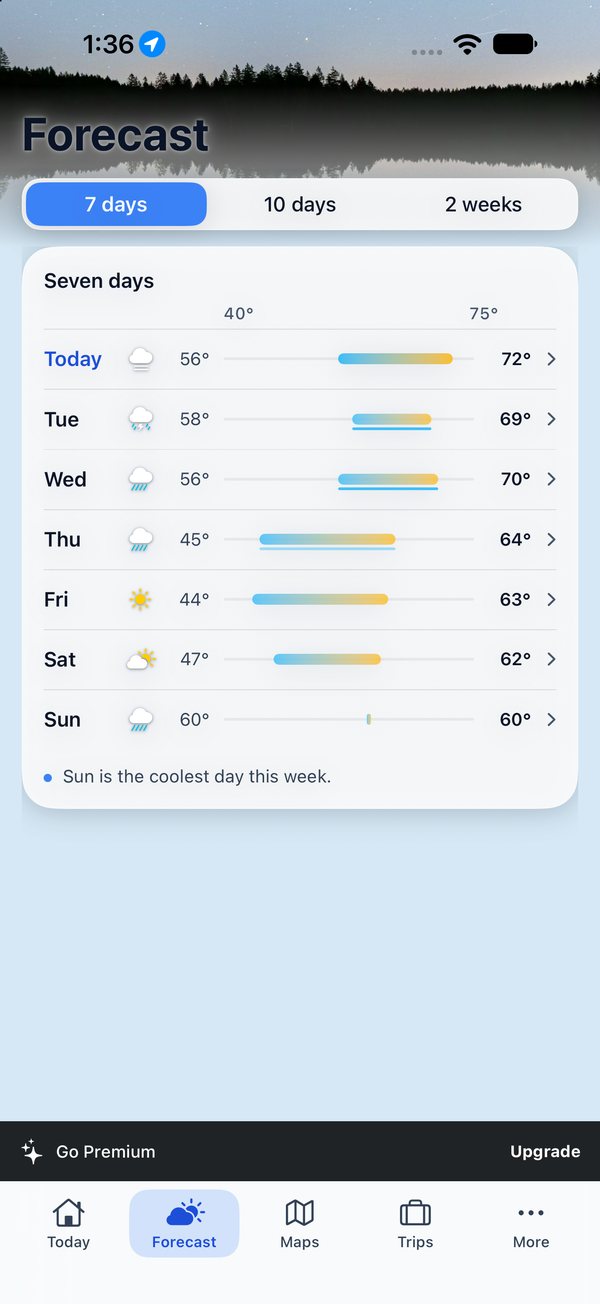
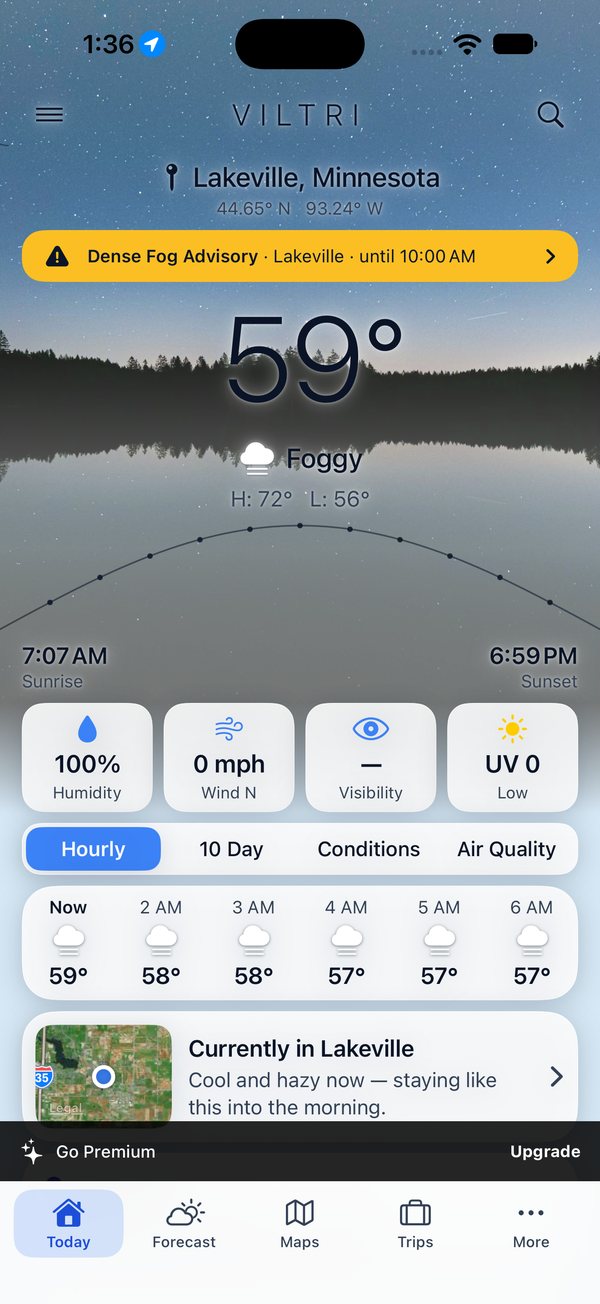
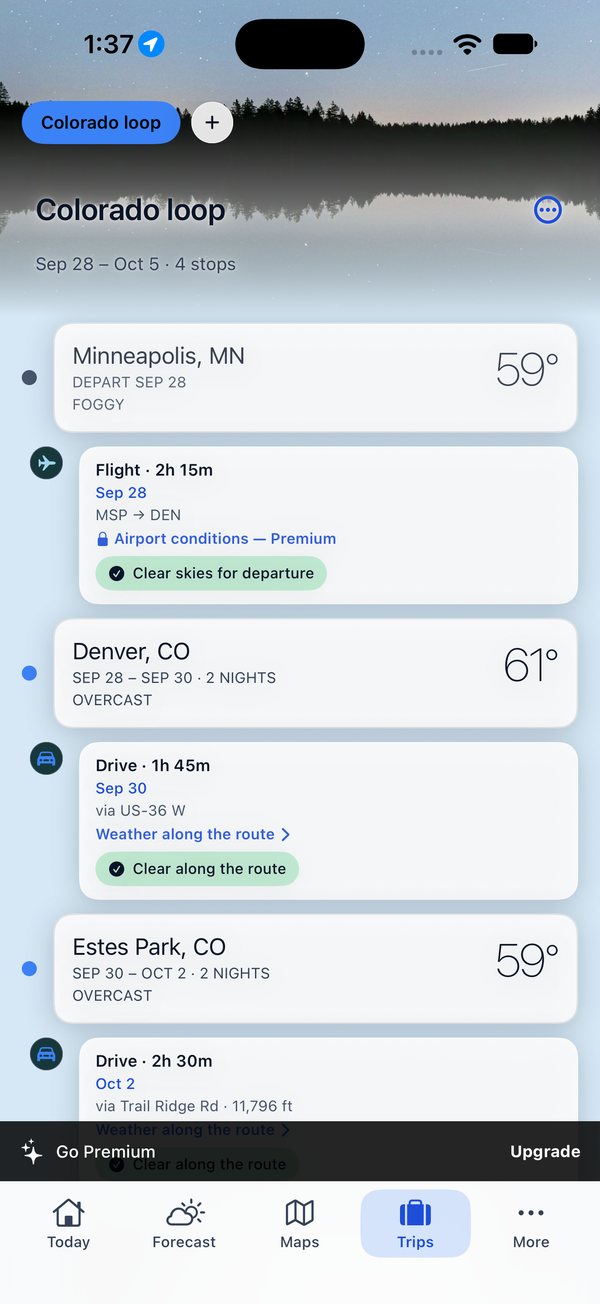
Legs, not just pins
A cycling leg and a transit leg are not the same question.
So Viltri doesn’t ask them the same way. Wind and rain decide a ride. Delay risk at the origin decides a train. Each leg is judged on what would actually ruin it.
Flight
Ground stops and field conditions
Drive
Conditions along the route
Walk
Exposure over the whole leg
Transit
Delay risk at the origin
Cycle
Wind and rain, weighted
Thresholds
Open water turns unsafe long before the same wind bothers a golf course.
“Windy” is not a verdict. Tell Viltri what you’re going out to do, from a ride or a round of golf to a day on the slopes, a cross-country trail or a snowmobile run, and the same forecast gets read against the thresholds that actually apply to it. Choose one and it sits under the weather on your widget, with the best window of the day.
Boating
Wind and wave first, and it fails earlier than anything else on this list.
Motorcycling
Crosswind, wet surface, and the temperature you’ll actually feel at speed.
Hiking
Exposure across the whole window, not the trailhead at the hour you left.
Golf
Rain timing and gusts across the round, not a daily average.
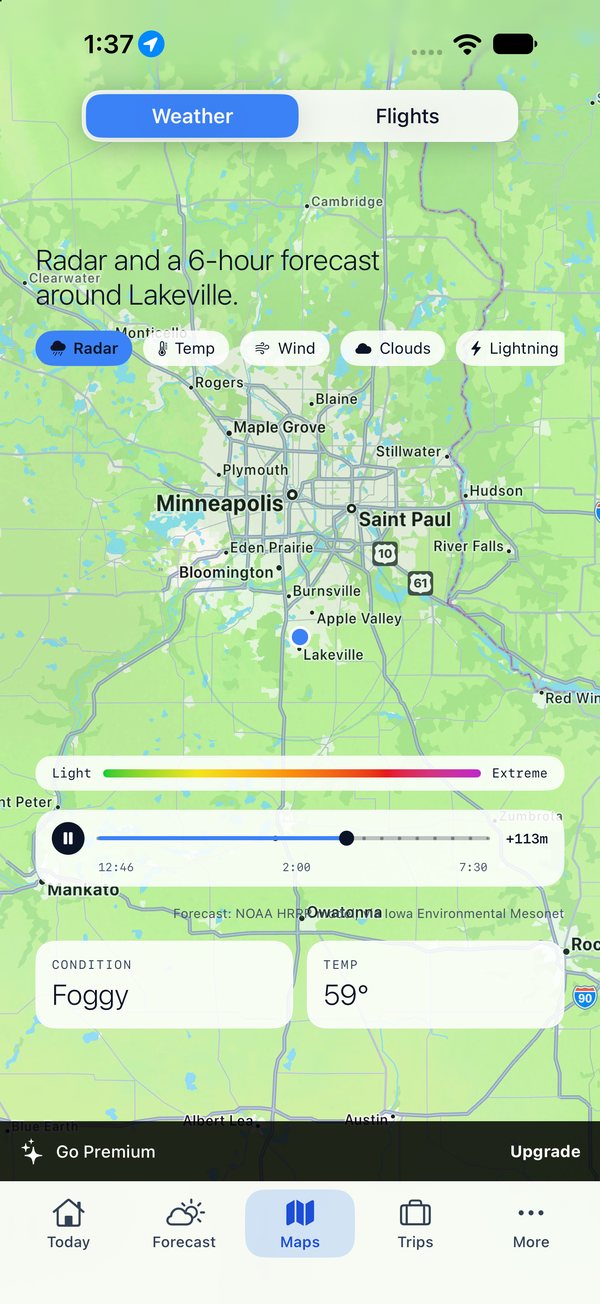
Radar
Scrub the hour you’re leaving.
A real precipitation timeline — the last hour of radar and, in the US, the next six hours of NOAA’s radar forecast — over the whole route, not just the dot you’re standing on.
- Official National Weather Service alerts you actually see: warnings sound and come through Focus, advisories arrive quietly, and every alert sits at the top of Today.
- Alerts for home, every stop on the trip, and any place you’re watching.
- Widgets on the home screen and Lock Screen, free for everyone: the weather first with your activity under it, and the moon at night on the large size. Trip Now follows the trip you have open, so it needs Premium trips.
Nothing of yours is readable on a server.
Trips live on your device and, if you want, in your own iCloud. A shared trip is encrypted on your phone before it leaves; the key lives only in the link, so the copy our edge keeps to make the link short is bytes we cannot read — and neither can anyone else.
Share with anyone
Android, desktop, no app, no account. A short link, encrypted end to end — only someone holding it can open the trip.
Syncs by iCloud
Your account, not ours. Device first, so nothing is lost while sync is off.
No account to make
Open it and it works. There is no sign-up screen to get past.
Usable without paying. Better if you do.
Free
$0
- Today, the week ahead, and radar with a six-hour forecast
- Alerts for wherever you are, on your lock screen and at the top of Today
- Live flights on the map, with routes, search and tracking
- Widgets, one watched place, and the System, Daylight and Nightfall looks
- No ads — just a Premium prompt
Premium
$2.99 / month
or $24.99 a year, after a 7-day free trial
- Trips — every stop and leg, unlimited
- Unlimited watched places, and alerts at every one
- FAA ground stops and METAR field conditions on flight legs
- Your own photo as Viltri’s background. No prompts.
Billed through your Apple ID. Renews automatically unless cancelled at least 24 hours before the period ends. Cancel any time in iOS Settings → your name → Subscriptions.
Support
A person reads it.
Questions, bugs, or a feature you want — email me directly.
A shared trip link won’t open
The trip is stored in the part of the link after the #. Some messaging apps trim long links when they preview them. If a link arrives broken, send it again as plain text, or paste it directly into a browser’s address bar.
My trips aren’t syncing between devices
Syncing uses iCloud, so both devices need to be signed into the same iCloud account with iCloud Drive turned on. Trips are stored on the device first, so nothing is lost while sync is off — turning it on brings them together.
Alerts aren’t arriving
Check that notifications are enabled for Viltri in the iOS Settings app, and that Severe alerts and Advisories are switched on in Viltri’s own Settings. Alerts come from the National Weather Service: warnings make a sound, advisories such as fog or wind arrive silently, and every active alert also shows at the top of Today. With the app closed, iOS decides when Viltri may check, so a notification can come later than the alert was issued; opening Viltri checks at once.
How do I cancel a subscription?
Subscriptions are billed by Apple, so cancelling happens in iOS Settings → tap your name → Subscriptions → Viltri. Cancelling stops the next renewal and you keep access until the current period ends. I can’t cancel or refund on your behalf — only Apple can.
What data does Viltri collect?
Less than you’d expect. Trips live on your device and optionally in your own iCloud. A shared trip is stored at our edge only in encrypted form, with the key in the link and never with us. See the privacy policy for exactly what goes where.
Check the window before you go.
Free to start, on iPhone: live alerts, radar and the week ahead. Then seven days of trips, free, before you decide whether it’s worth paying for.